

Prerequisites
Get Your SiliconFlow API Key
Before you begin, ensure you have a valid SiliconFlow account:- Get your SiliconFlow account: https://cloud.siliconflow.com/
- Get Your SiliconFlow API Key: https://cloud.siliconflow.com/account/ak
Step 1: Install Hermes Agent
Hermes Agent can be installed using a single command. Run the following command in your terminal: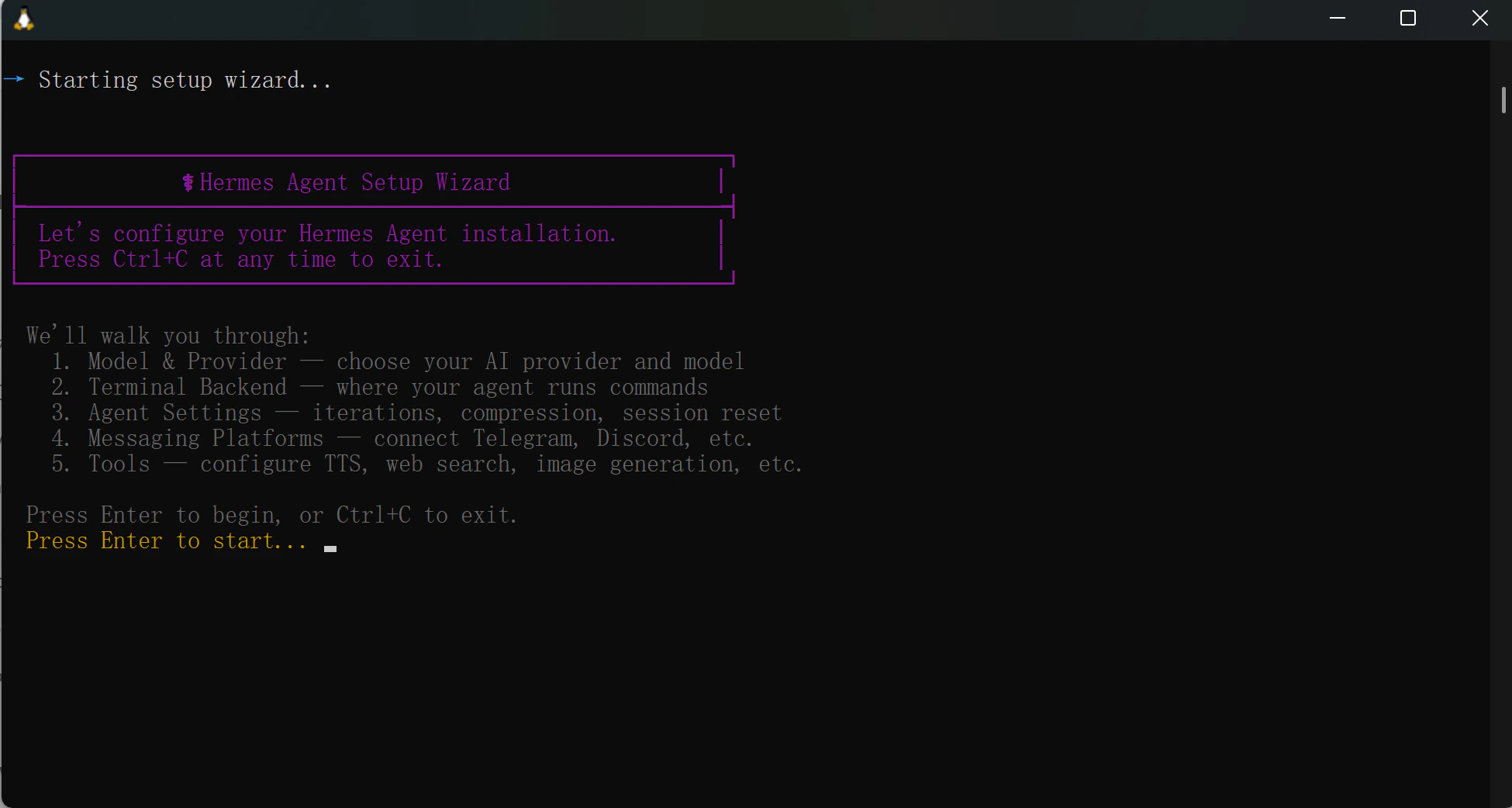
Step 2: Configure SiliconFlow APIs
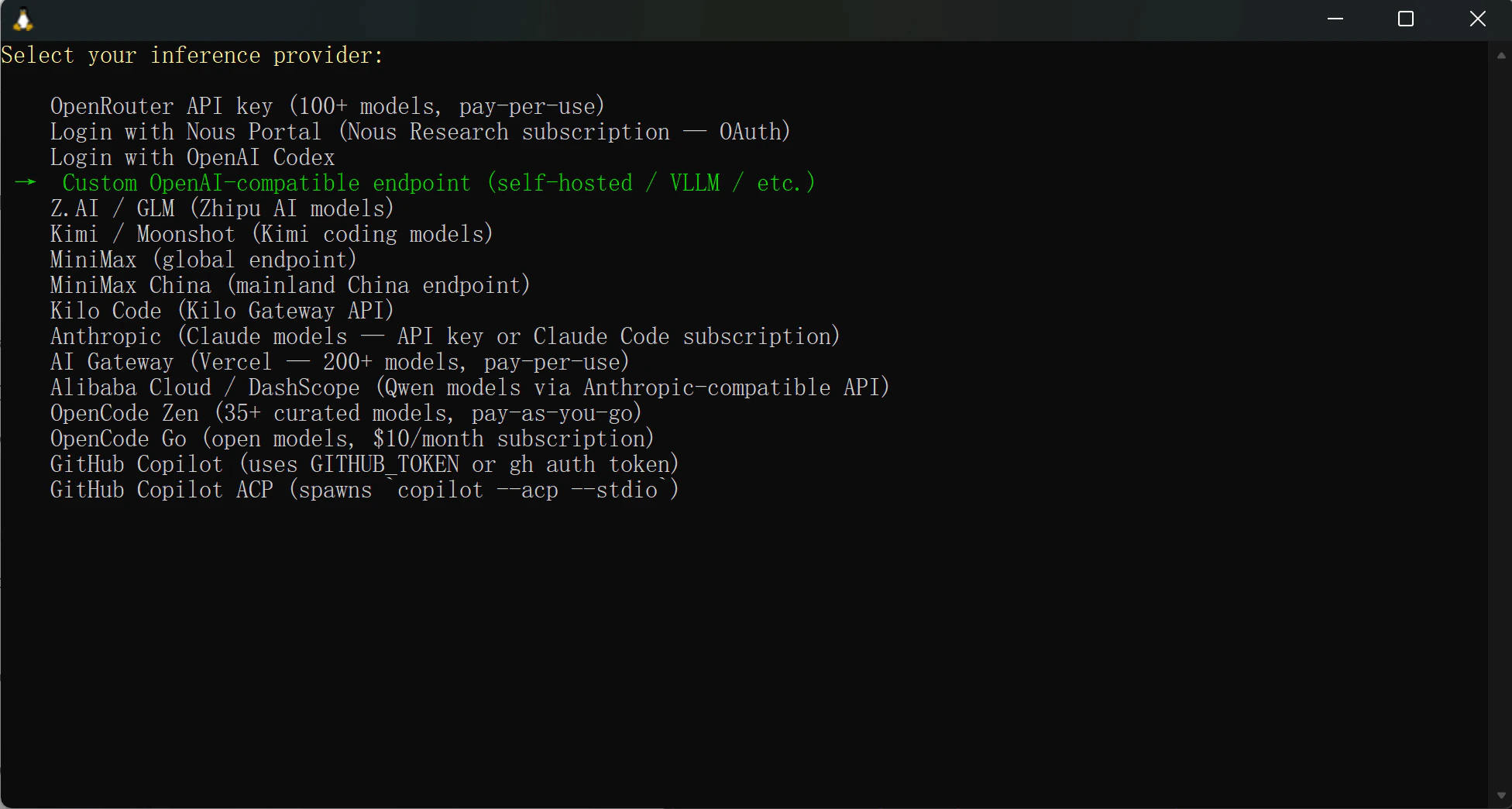
- Select your inference provider:
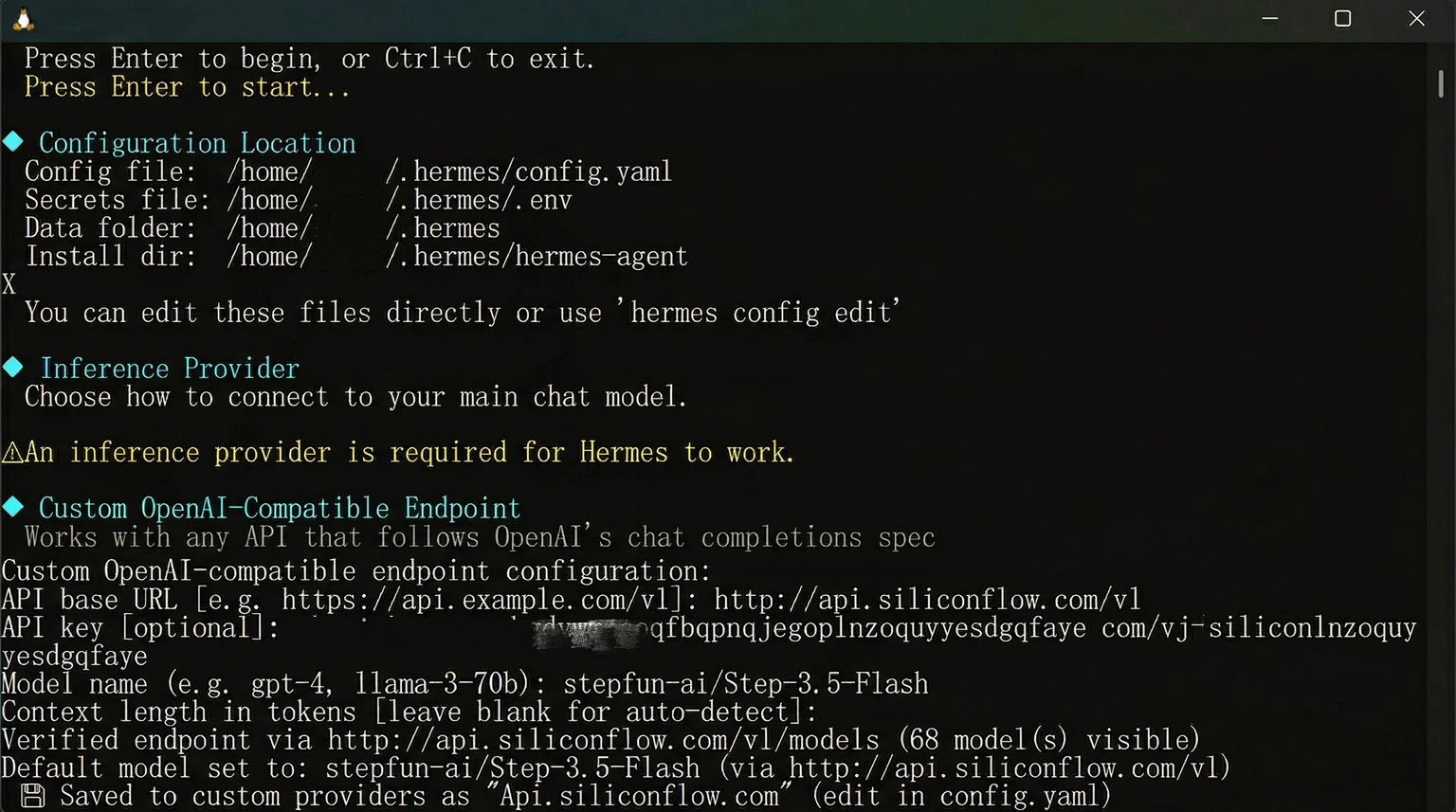
Custom OpenAI-compatible endpoint (self-hosted/VLLM/ect.) - API base URL: http://api.siliconflow.com/v1
- API Key: Paste Your SiliconFlow API Key
- Model name: Enter the model you want to use. You can select from the models available in the SiliconFlow model library.
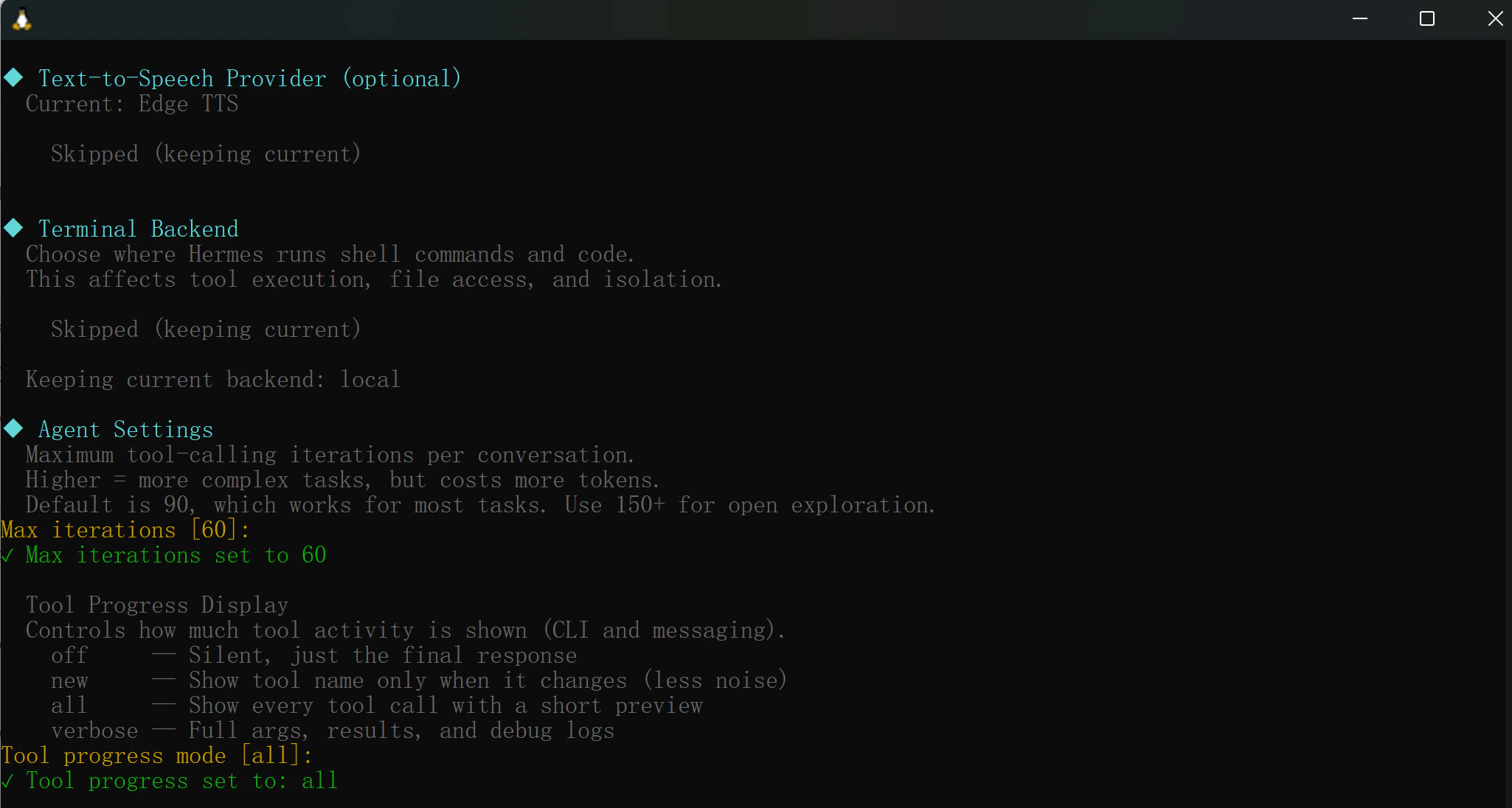
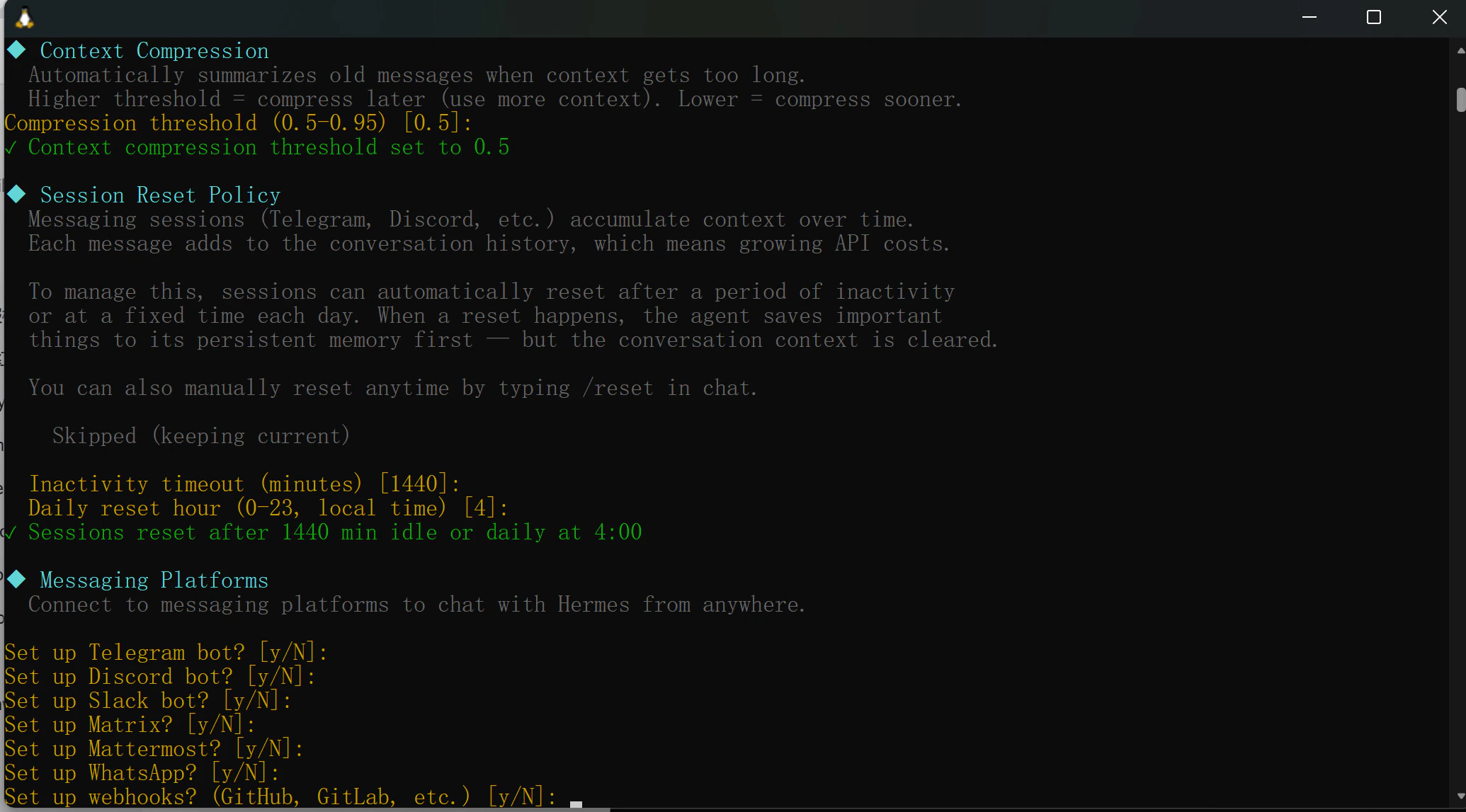
- TTS Provider (Text-to-Speech)
- Terminal Backend
- Agent Behavior Settings
Step 3: Start Using Hermes Agent
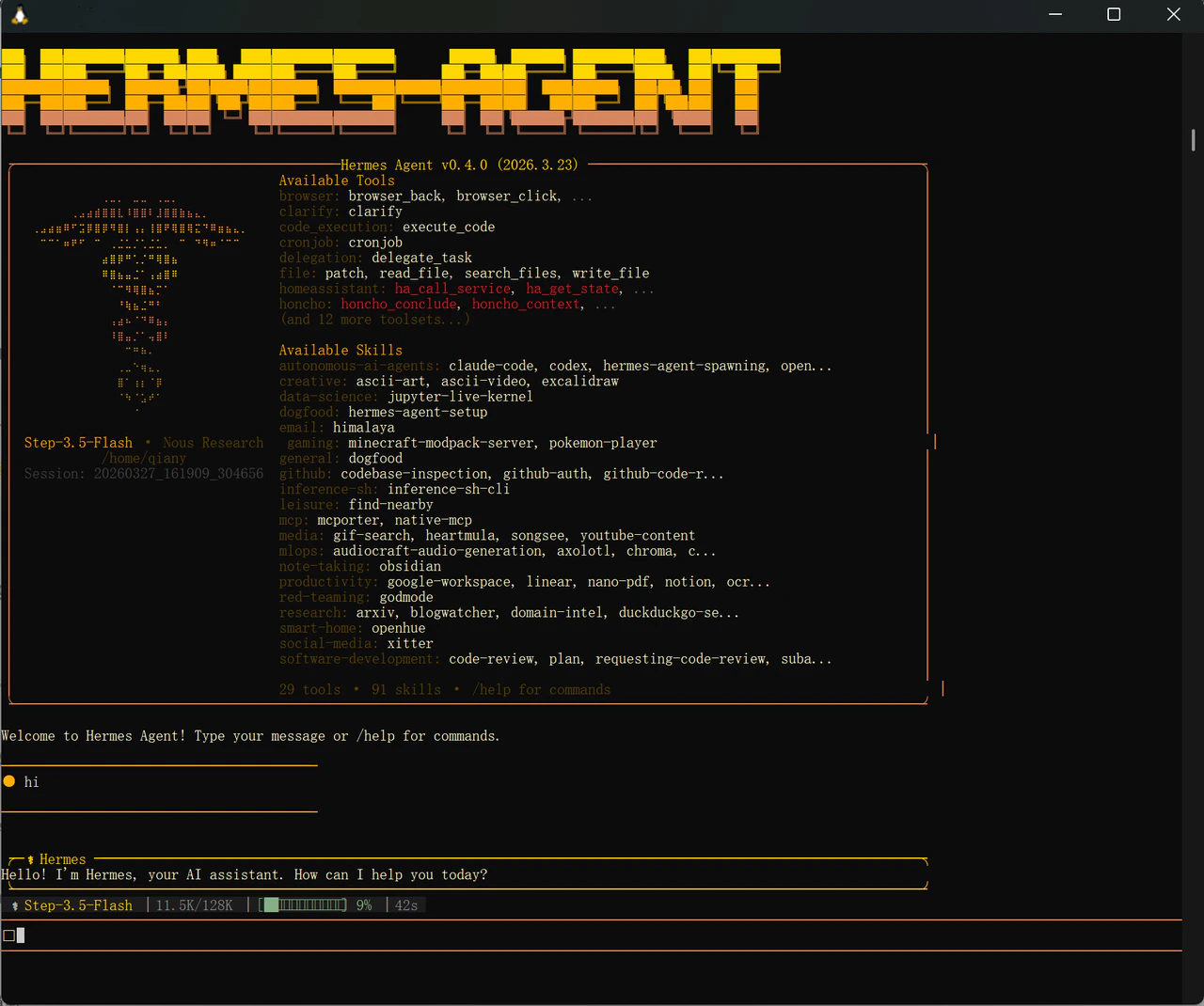
Once the configuration is complete, start Hermes by running:hermes
You’ll see the Hermes Agent interface launch in your terminal, showing available tools and skills.
Type your message and press Enter to start chatting. At the bottom of the screen, you can see which model is currently active, along with token usage and response time — confirming your SiliconFlow API is connected and working.
Quick Reference: Useful Hermes Commands
Resources
Hermes Agent
- Website: https://hermes-agent.nousresearch.com/
- Docs: https://hermes-agent.nousresearch.com/docs
- Discord: https://discord.gg/NousResearch
- Github: https://github.com/NousResearch/hermes-agent
SiliconFlow
- Website: https://siliconflow.com
- API Documentation: https://docs.siliconflow.com
- Model Library: https://siliconflow.com/models
- Discord: https://discord.com/invite/7Ey3dVNFpT
- X: https://x.com/SiliconFlowAI